GPU Tracing Participating Media
Overview
In this post I share an HLSL implementation of some of the concepts described in "Physically Based Rendering: From Theory To Implementation" for handling participating media, to (hopefully) be a useful companion for people looking to translate concepts from PBRT. An important caveat is I'm working with RGB rather than spectral like PBRT as I haven't yet made the leap. This also only deals in matters of global illumination, as I haven't implemented next event estimation yet.I admittedly found this part of the book challenging to consume. The highly configurable implementation complexities that PBRT tackles are often far beyond what I need, and I got lost in that sauce occasionally while traveling between chapters to gather the concepts. My goal here is to translate to HLSL as simply as I can, and spell out everything as best I could, with key concepts and variables explained in comments and most definitions lifted straight from the source as reference to aid connectivity. This meaningfully helped my understanding when working through implementation, and maybe it will help you too. If you spot a mistake, let me know!
Overall, I wish I had explored this book sooner. I've spent most of my personal development and career on the less visible parts of graphics, which brings its own satisfaction, but have become restless to level up in the art of rendering. Understanding participating media is, in retrospect, such an intuitive way to understand physically based rendering in general. If I had started here before implementing traditional raster PBR code, I bet the concepts would have stuck more easily, so I highly recommend it!
Thank you sincerely to Matt Pharr, Wenzel Jakob, and Greg Humphreys. We are truly fortunate to have this source of truth readily available, and for free online at that. https://pbr-book.org/4ed/contents
I can attest to the quality of the print version as well: https://www.amazon.com/Physically-Based-Rendering-fourth-Implementation/dp/0262048027
HLSL Source
Click here to see the source code with HTML styling for viewing in a browser.Here is a link with just the text.
Here are the handful of additional functions you'll come across in the code that you may not have implemented already. I omitted them from the header for the sake of keeping the file focused, and assume you likely have them ready to go in your own path tracer.
Renders
Of course, no tracing post would be complete without some pretty images. Here is the same cloudy bunny with the only differences being the density and the scattering asymmetry.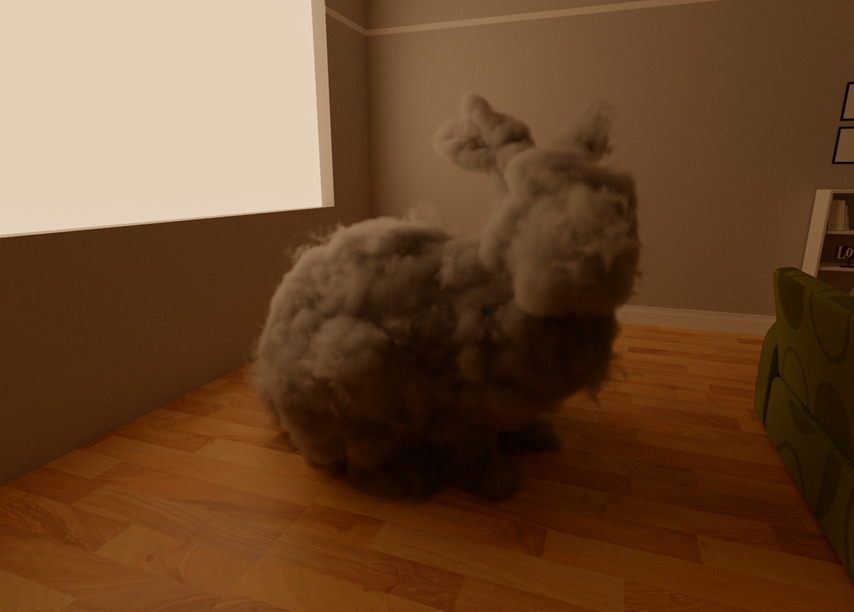
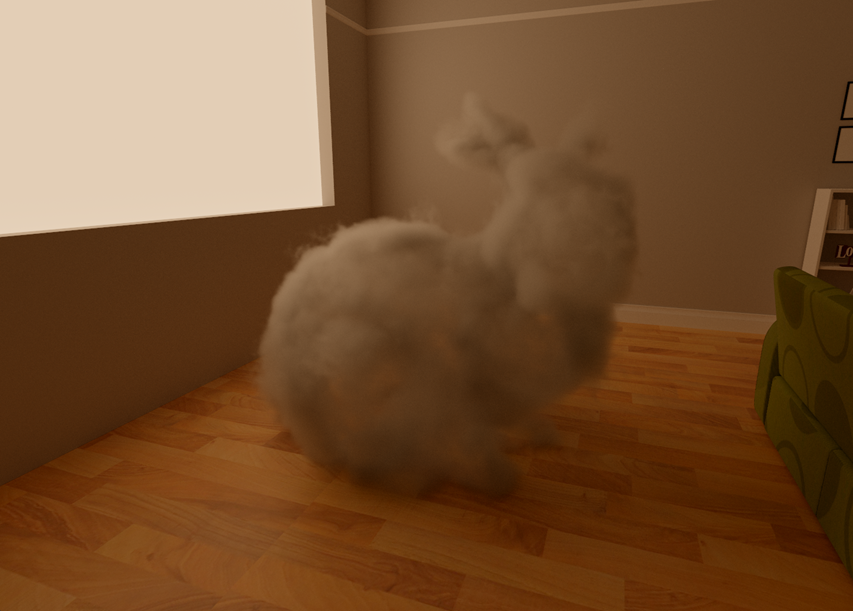
It is fun to see the shadows responding to the properties of the volume. I know, I know, the seam. Oh well :D
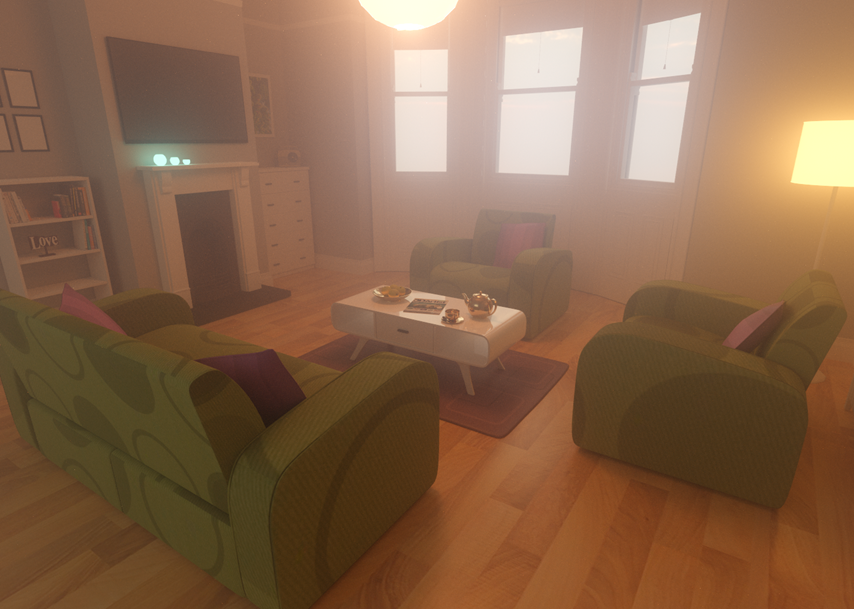
The living room enveloped in a plain homogenous volume with forward asymmetry.
Next up are homogenous cubes using different absorption, scattering, and density values.
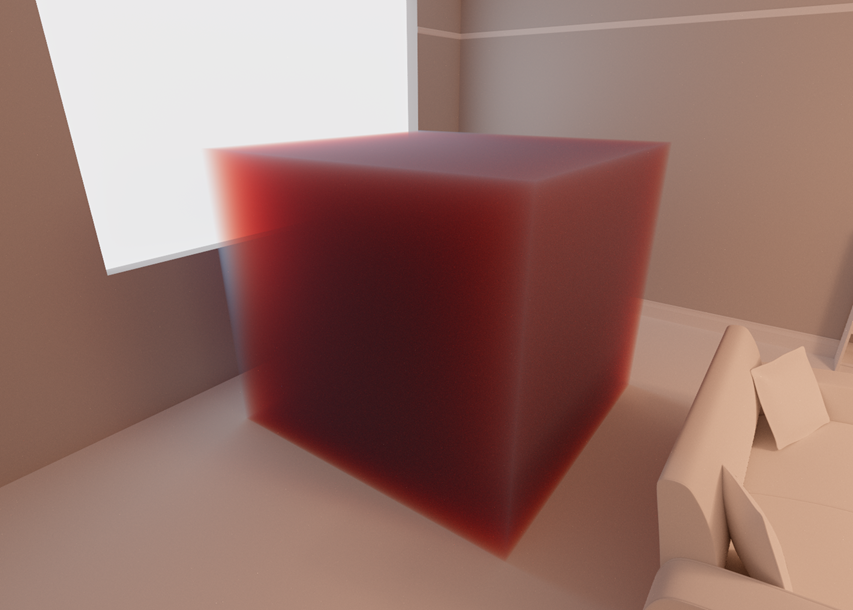
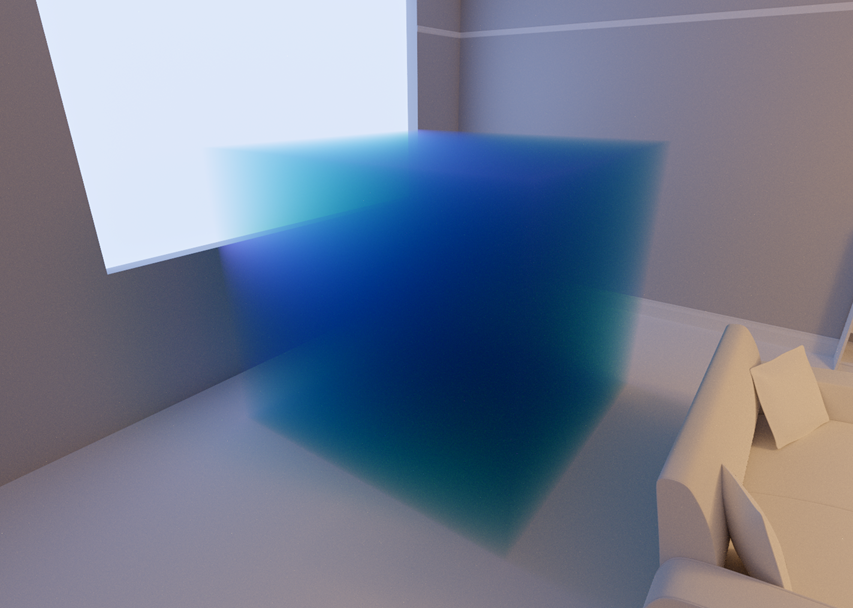
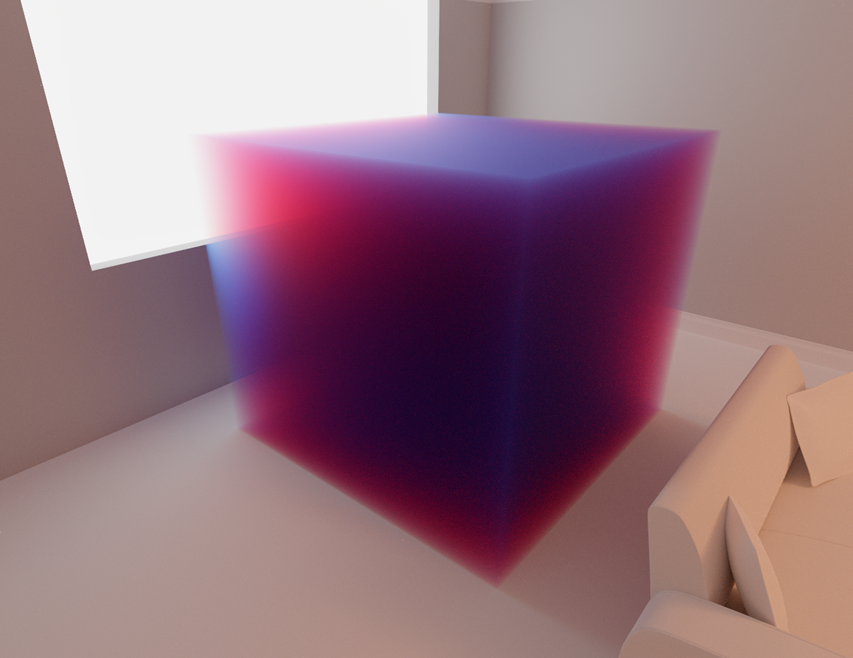
Makes me want to make some gummy candy renders, once I improve my randomization and integrate denoising!
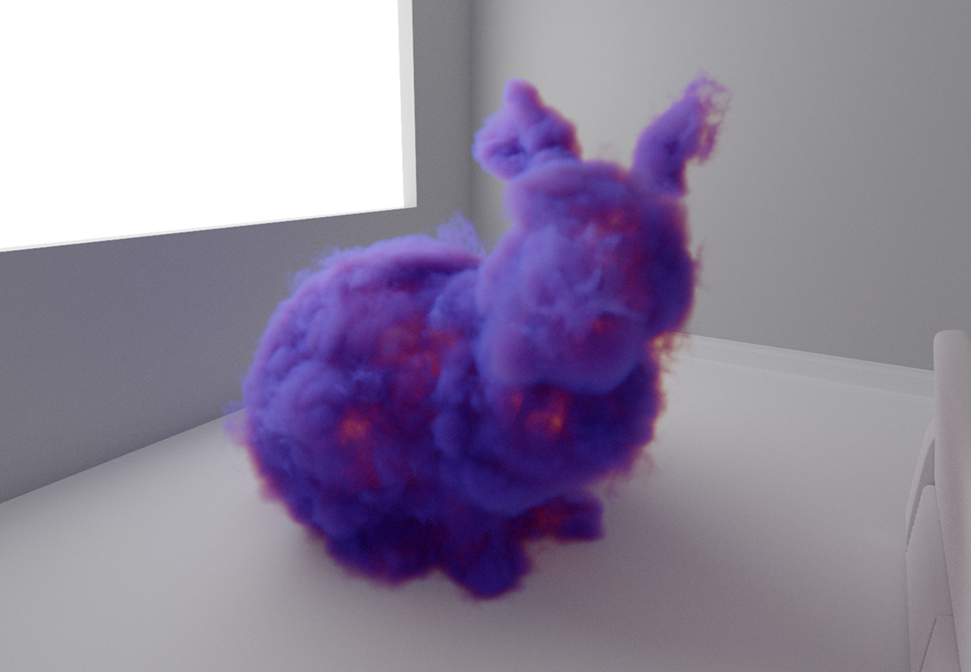
A homogenous function proved important to have as reference for catching mistakes when getting to chromatic values for heterogenous volumes. The bunny in the title image was using similar values to the cube above.
Now for emission! Here I hacked a scaling parameter to multiply with the emission coefficient so that I got a bright center inside the volume.
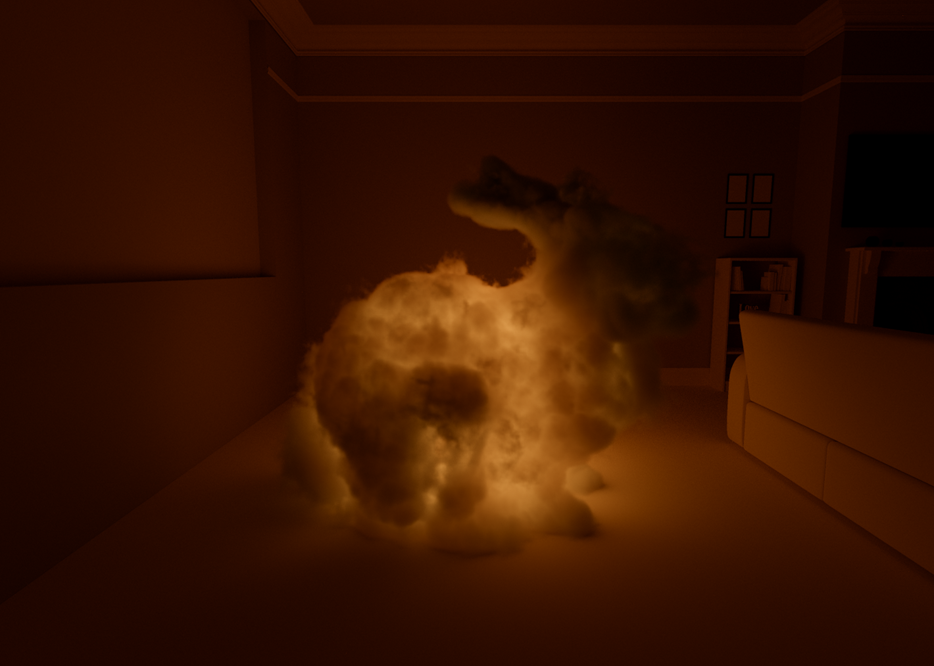
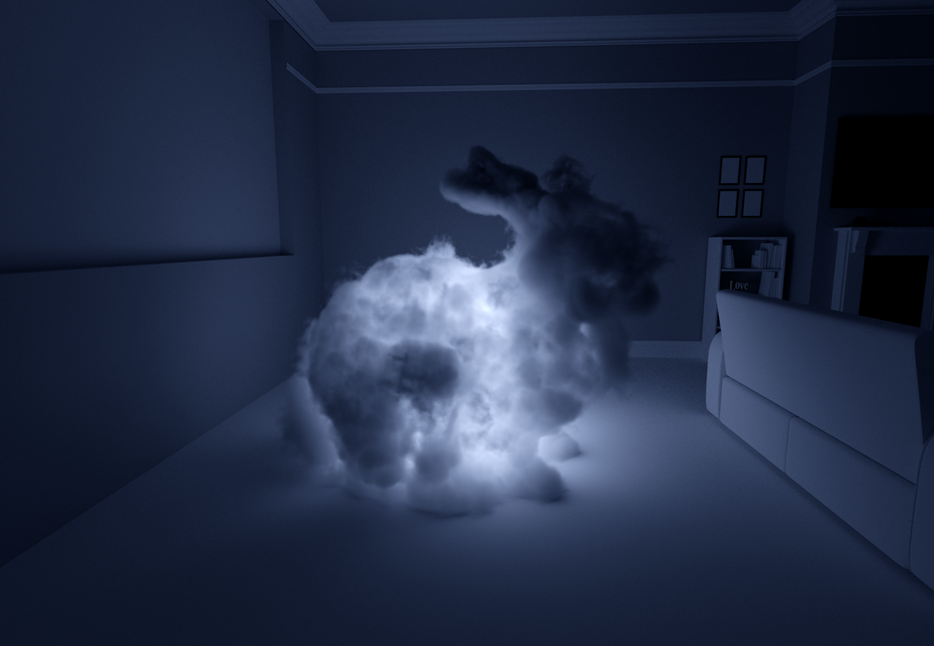
I love the way light bursts out of the less dense areas of the volume
One last bunny for the road, under an orange light. There's just something about the level of detail you can see from light bouncing all around the room onto the volume, and the lining around the edge.
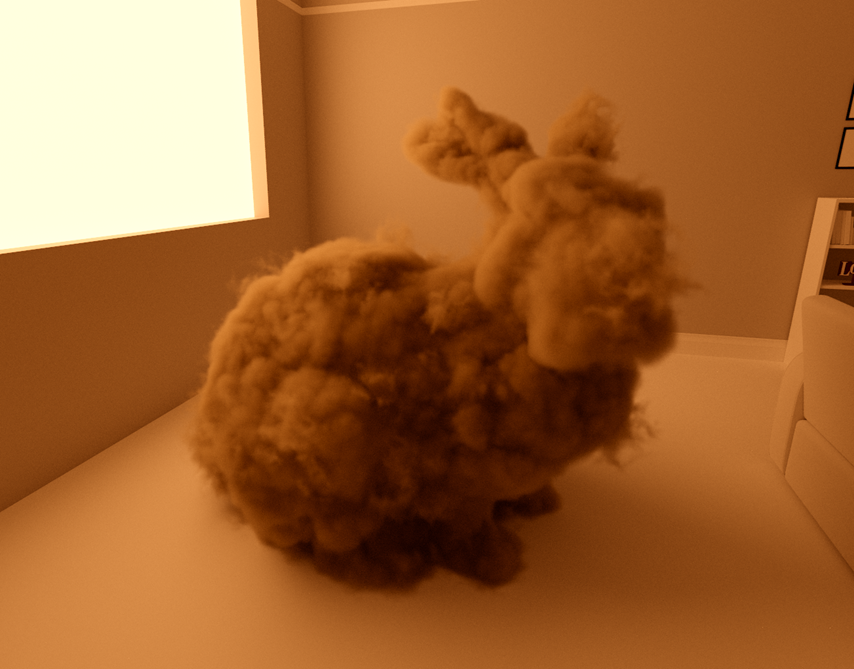
Bumps in the Road
Some issues that caught me during implementation that might help you:Pay close attention to the directionality of inputs and outputs in source material (eg "wo" and "wi") as they may not match your own convention. Note how they relate to the surface, for example PBRT has both pointing away from the surface for the purpose of sampling, but not all source material is the same.
The number of delta tracking iterations required for sampling a medium are a function of total distance and the majorant, and if you don't set the iteration count high enough based on your selected scattering, absorption, and density properties, you will get unnatural darkening in your volume.
Speaking of unnatural darkening, depending on the setup of your core path tracing loop, make sure that you don't increment your ray bounce counter (or alternatively, you can add to the max bounces) when entering/exiting a volume. These aren't bounces, and you will see darkening of your volume if you make this mistake. Interactions with the volume only count towards bounces when scattering, which in my case is returned by .isScattered, but I ran into this issue by carelessly going to the next loop iteration after intersecting a volume.
After looking at the code, it will likely be clear why the authors cover techniques like maximum density grids alongside the rest of the logic. Null scattering events in large empty sections of an otherwise dense volume will grind performance down significantly. For brevity I didn't get into this in this post, but cutting up a volume into a coarse grid holding the maximum density of the texels within it is straightforward enough and a meaningful optimization to reach for as a next step.
Further Reading
After adding denoising, I'll be checking out these resources next:Monte Carlo Methods for Volumetric Light Transport Simulation
https://www.jannovak.info/publications/VolumeSTAR/index.html
Spectral and Decomposition Tracking for Rendering Heterogeneous Volumes
https://jannovak.info/publications/SDTracking/SDTracking.pdf
Progressive Null-Tracking for Volumetric Rendering
https://www.yiningkarlli.com/projects/progressivenulltracking/progressivenulltracking.pdf
Thank You
Thanks for checking out my work! I hope it can be helpful to you in some way.Thank you also to OpenVDB for hosting lovely sample models: https://www.openvdb.org/download/
Thank you to Jay-Artist for the original living room model: http://www.blendswap.com/user/Jay-Artist